
Searching Cases by Name
Name searching starts with the right portal. Need Common Pleas General, Domestic Relations, or Twelfth District Court of Appeals records? Open Butler Clerk Services eServices. The official General Division FAQ allows searches by name, case number, action code, case type, attorney, and date. Pick the court first. Then narrow a common name with another published field. Or use the case number once it turns up.
The Area Courts run on CaseLook instead. Its live form takes Name/Company, Case No., File Date, Ticket No., an Area I, II, or III choice, and results-per-page options. You must accept a notice before the search form appears.
| CaseLook field | Type | Published note |
|---|---|---|
| Name / Company | Text | Party or company search route |
| Case No. | Text | Use full number when known |
| File Date | Date | Month/day/year control |
| Ticket No. | Text | Citation lookup route |
| Area I, II, III | Checkboxes | Select one or more Area Courts |
| Results per page | Selector | 25, 50, 100, or 250 |
Butler County Action Code Searches
An action code is the court's official label for a case type. The Common Pleas FAQ lists action code and case type as search categories in plain terms. They shine when a name alone floods you with public results. A common surname can return pages of matches in Butler County court records.
Narrow a known Common Pleas matter by code or type, then check the returned court, case number, and filing date against the paper record. Two cautions apply. These fields do not prove every court uses the same index, and they do not confirm that a different court was searched. CaseLook relies on its own local field set for the Area Courts.
Searching by Case Number
A case number is the strongest tool in a Butler County case search. The clerk needs it for copy requests too. Type the full number into the correct court's official service. Copying it character for character matters. Multiple charges can spawn lettered records in the traffic-payment context, such as TRD10000001A, TRD10000001B, and TRD10000001C.
That TRD pattern is a local traffic example. It is not a general Common Pleas or municipal numbering scheme. The county publishes no case-number code book. So take the number exactly as written on the court's notice or a prior record.
Butler County CaseLook Delay
CaseLook itself warns that filing and judicial-action information can lag 24 hours or longer. It may also be altered without notice. So a blank or stale result is not a court ruling. The Area Courts tell anyone who needs verified information to make a request or visit during regular hours.
For a same-day hearing, treat the docket as a starting point. Call the court that owns the record. The portal is a public access tool, not the clerk's certified record.
What a Case Search Returns
A public Butler County case search can return the court, case number, filing date, action code or case type, public parties or roles, attorney information, the sequence of events, settings, and any posted disposition or status. Civil and criminal entries can also carry imaged documents online. Protected filings stay off the screen by law.
| Court and division | Identifies the records custodian and correct follow-up channel. |
|---|---|
| Case number | Unique identifier for a docket and copy request. |
| Chronological events | Public filings, notices, hearings, orders, and outcomes. |
| Setting | Scheduled date and event information when the court posts it. |
| Record image | Document image when public and available through the Clerk system. |
Butler County Empty Search Results
A blank screen has several innocent explanations. You may have picked the wrong court. Or a Common Pleas electronic file may predate the 2000 online boundary. CaseLook may not have posted an Area Court action yet. The matter could sit in a municipal, Probate, or Juvenile office. Or the record may be restricted. None of that means a Butler County case never existed.
Check the court named in the notice first. Then hand the right clerk or court the case number and document title you have. A counter visit or a phone call about the setting may settle things. A written record request is the correct fallback when the public result does not.
Statewide vs County Case Search
Ohio offers no single statewide trial-court case-search portal. The Supreme Court does host its own appellate and Supreme Court docket resources plus a court directory. Even so, Butler County trial records stay court- or clerk-specific. A county docket search must be routed to Common Pleas eServices, CaseLook, a municipal court, or another division's own office.
| Channel | What it covers | Important limit |
|---|---|---|
| Clerk Services eServices | Common Pleas General, Domestic Relations, and Clerk-covered appellate files | Electronic access begins in 2000 |
| Area Court CaseLook | Area I, II, III county-court records | Posting can lag 24 hours or more |
| Municipal or division route | City municipal, Probate, and Juvenile records | Separate custodian and rules |
Butler County Search by Date
A date search helps when you know a setting date but not the caption. The Common Pleas FAQ offers a separate date-search link for that situation. CaseLook adds a calendar search with beginning and ending month/day/year controls. There is an Area I, II, or III selection. A results-count control is included too. Those fields are access options, not a promise that each one is required.
Date searching surfaces candidate records only. The individual record and direct confirmation still control if a court date has changed.
Butler County Search Results and Copies
Online results identify a public case and its chain of events. They are not certified proof of a filing or judgment. For Common Pleas records, the Butler County Clerk takes copy requests by mail, email, fax, and in person. Name the exact record type. Include the case number when you have one.
Area Court CaseLook points the same way. Anyone needing verified information goes through a court request or the counter. Keep the ask with the office that holds the record. That habit avoids mistaking a web display for the final document itself.
Butler County and Federal Case Search
Don't look for a federal case in the Butler County docket system. The county's trial courts keep their own records. Nothing filed in federal court travels into a Butler County case lookup. Federal matters live on a different track entirely. The official PACER service handles federal docket and document access. The Southern District of Ohio runs its own court resources alongside it. The PACER landing page spells out that separate federal case-search channel.
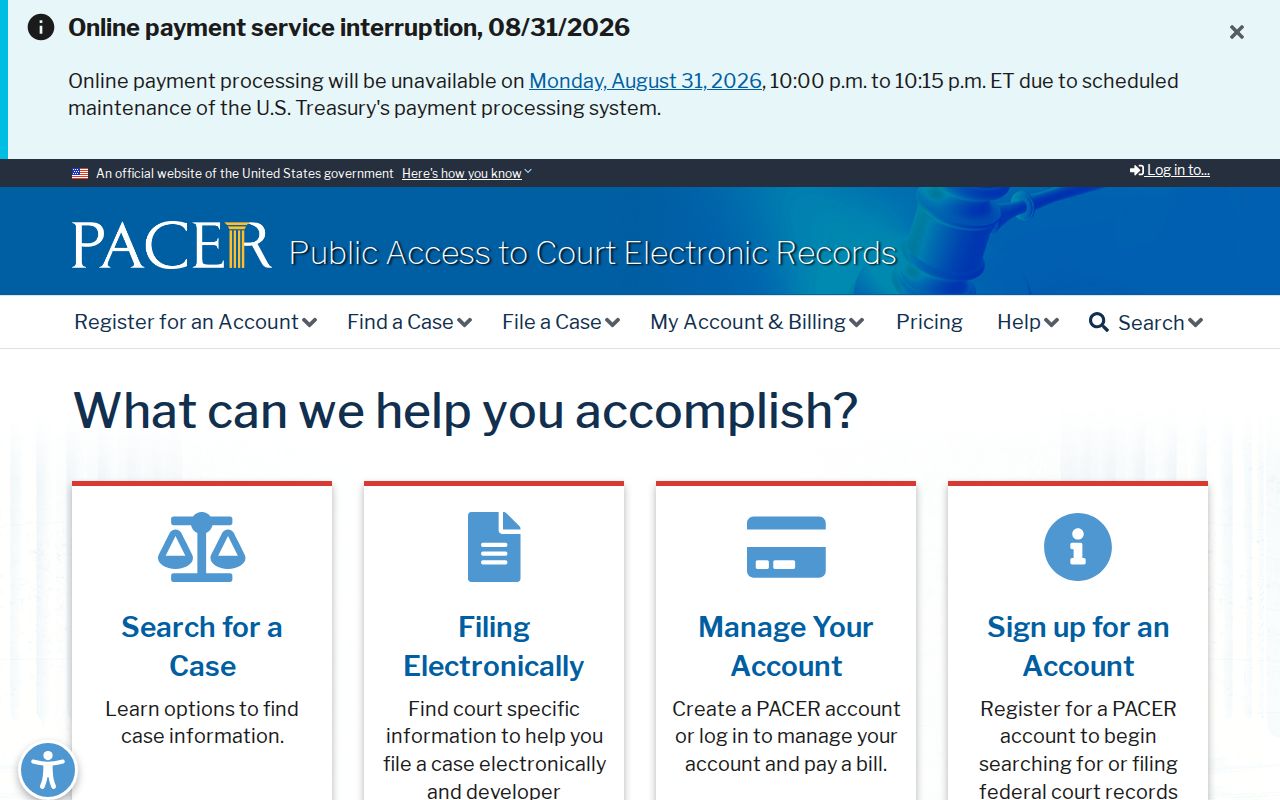
Search the court that actually owns the case. Treating federal and Butler County dockets as one shared database will only waste your time, since each system stands alone.
Butler County Case Search Boundaries
Federal access comes with its own procedures and its own fee schedule. None of that changes how Butler County works. Here, Common Pleas, Area Court, municipal, Probate, and Juvenile records each sit in distinct local channels. A smart docket search sorts those out first. The PACER fee explanation lays out the reasoning behind the federal system's charges.
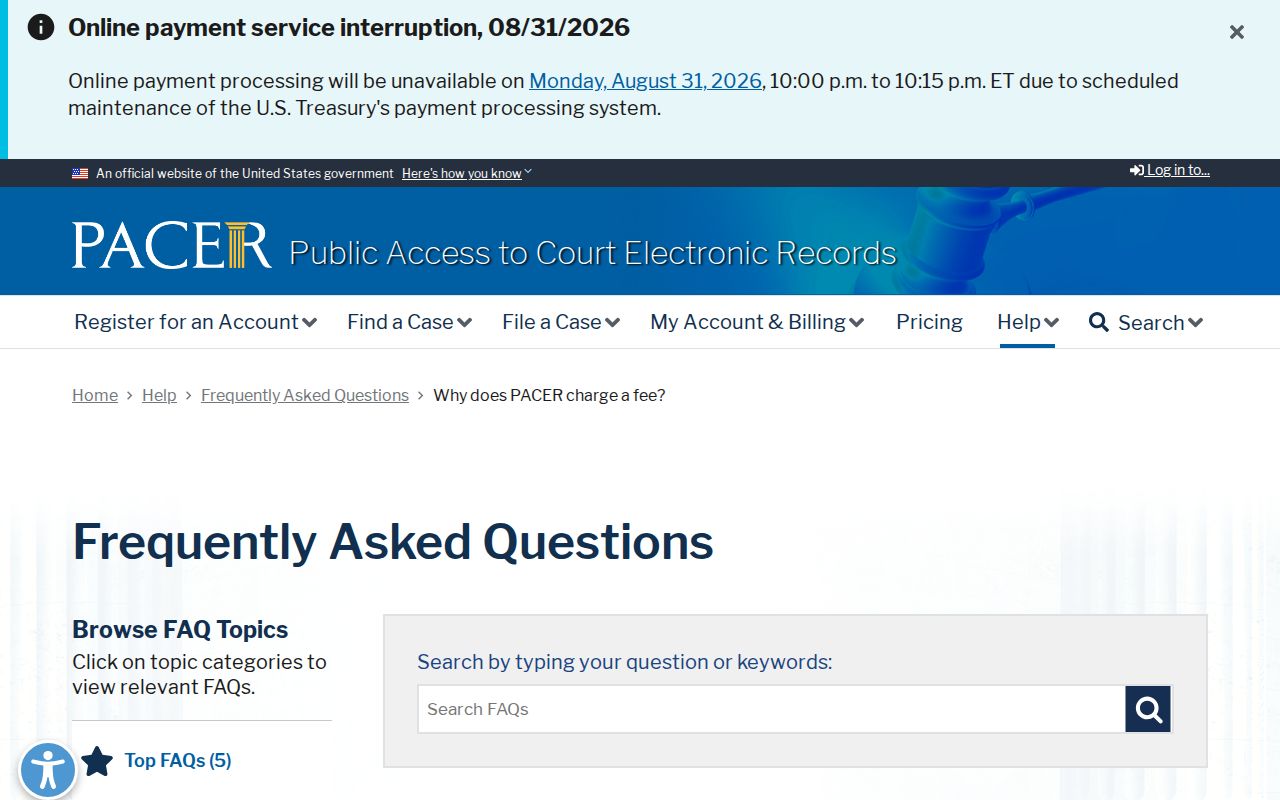
Federal access rules tell you nothing about a Butler County charge or its process.
Butler County Court System Separation
The Southern District of Ohio offers its own electronic-case tools and public terminals. That federal setup is not a backup plan. A Butler County trial case will not turn up there. Does your matter belong to the county? Go back to the court named in the file. Its clerk or official docket service holds the real record. The Southern District electronic-case information shows that court structure at work.
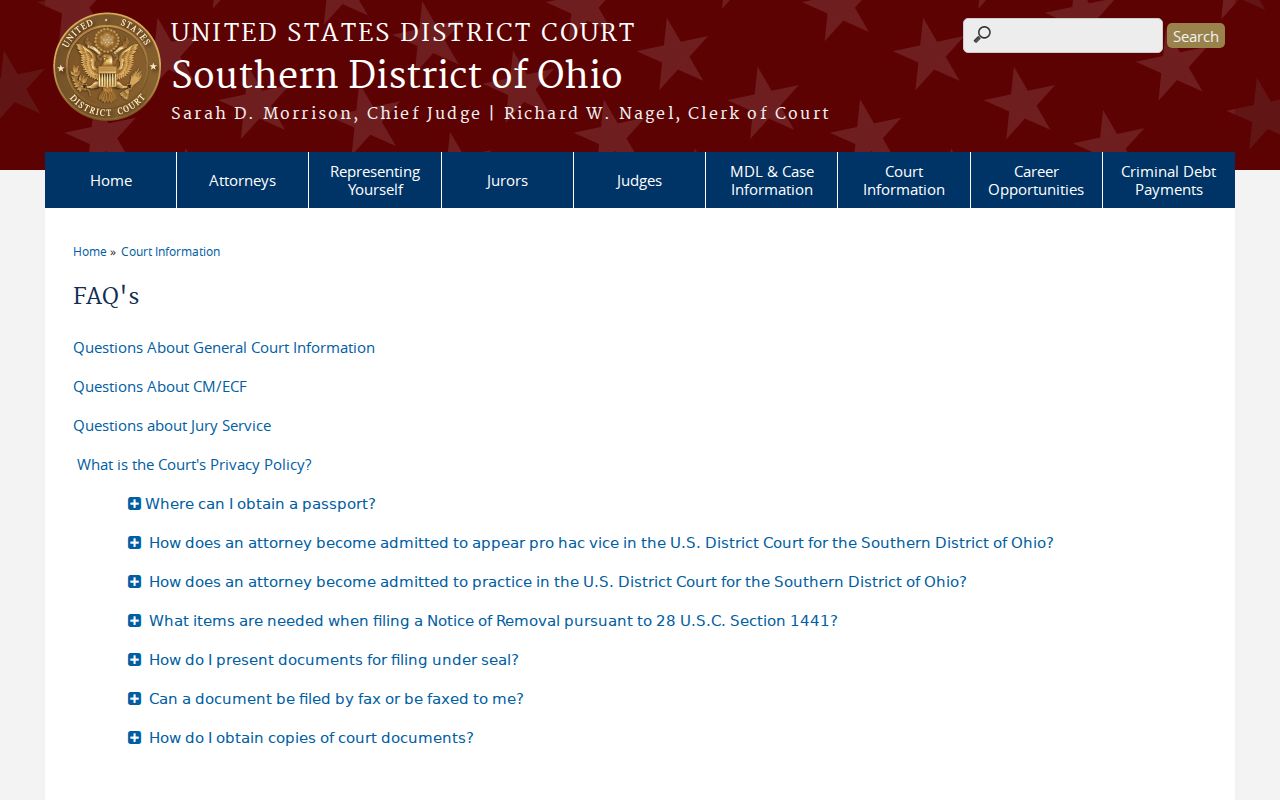
Separate courts mean separate searches, even when one name or one event shows up in both.
Access and Restricted Cases
Public access to court records in Ohio rests on Rules of Superintendence 44 through 47 and Ohio Revised Code 149.43. The Butler Clerk screens protected material and applies redactions where the rules require them. Juvenile matters follow stricter confidentiality rules. Sealed or expunged records may simply never appear in an ordinary public docket search. Personal identifiers get protection too. A public docket works well as a reference for your own case, a hearing, or general court research, but if a result comes back missing or redacted, ask the responsible court directly rather than piecing it together from somewhere else.