
How to Search the Middletown Court Docket
Middletown Municipal Court runs its own public CaseLook docket system. The record-search route first presents an official agreement page. It then lets you narrow a Middletown search by identifiers and case categories. That local portal beats a countywide guess. Use it whenever a citation, complaint, or notice names the municipal court. A Common Pleas case number, by contrast, belongs with Butler Clerk Services, not CaseLook.
Check the court name printed on your paper first. It is the most useful clue. From there, use whichever Middletown detail you have: a case number, ticket number, party name, or date filter. Read the court, the case type, and the latest docket entry before acting on anything. Remember that a search result is a public access tool. It is not the court's certified proof of a document or judgment.
Middletown's CaseLook disclaimer sets out the agreement step. The city court requires it before its record search opens.
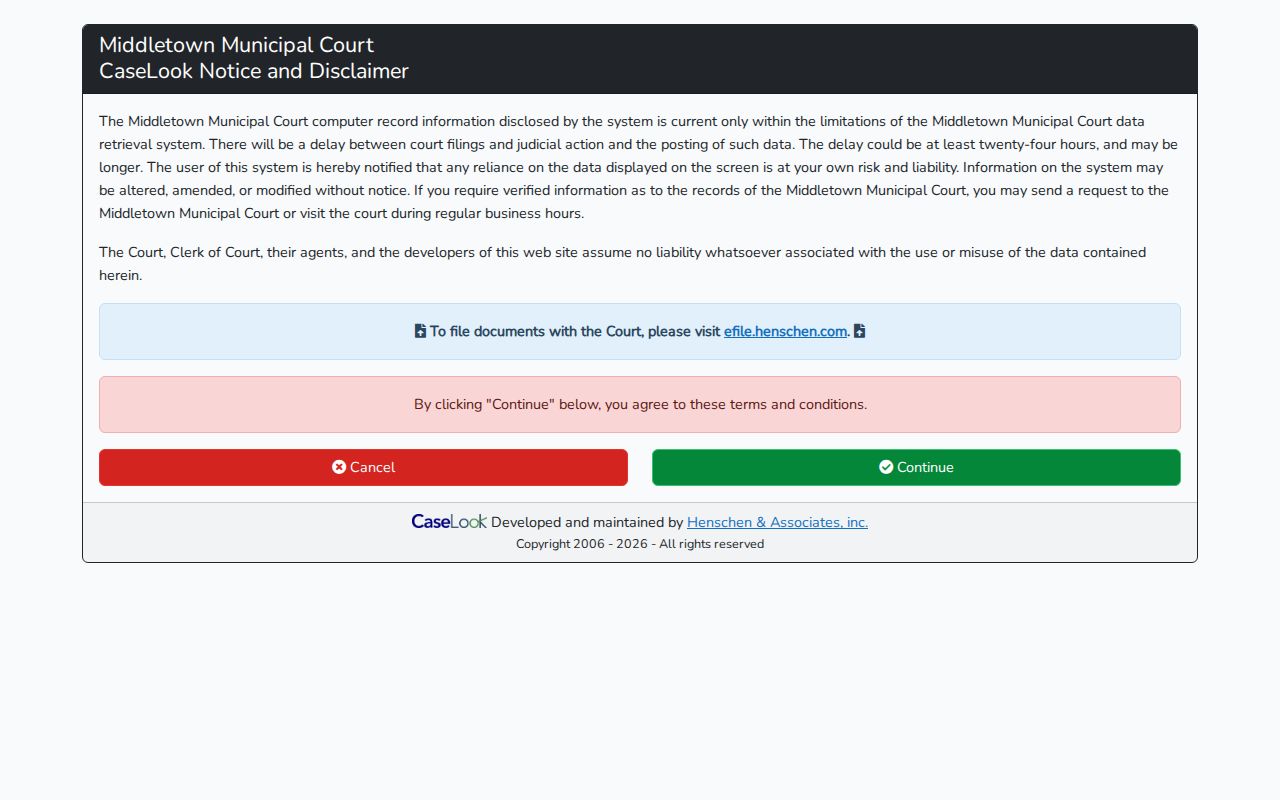
That disclaimer is part of the local public search route. Accept it before relying on the available record filters.
- Open the Middletown CaseLook disclaimer and then the official record-search form.
- Enter a Middletown name, case number, ticket number, or another published filter.
- Choose a Middletown case-type box only when the record category is known.
- Read the case entry and use the calendar route for an upcoming Middletown hearing.
- Contact the court if the current date, payment eligibility, or copy procedure must be confirmed.
Middletown Court Docket Search Fields
The Middletown CaseLook search form publishes more local detail than many court portals. Party or Company Name carries the placeholder "Last, First." Case Number accepts numbers only. It stops at 16 characters. You can also search by ticket number, license number, dates, and case-type checkboxes. No control says a particular record is public. Nor does any control require every field.
| Field | Format | Middletown form note |
|---|---|---|
| Party / Company Name | Text | Placeholder: Last, First. |
| Case Number | Numbers only, 16 characters maximum | Optional record locator. |
| Ticket Number | Text, 16 characters maximum | Local citation lookup filter. |
| License Number | Text, 10 characters maximum | Optional narrowing field. |
| Birthdate, File, Hearing, or Violation Date | Date controls | Optional date filters. |
| Matches per page | 25, 50, 100, or 250 | Changes result count, not the case category. |
Middletown’s CaseLook form displays the court-specific filters described above.
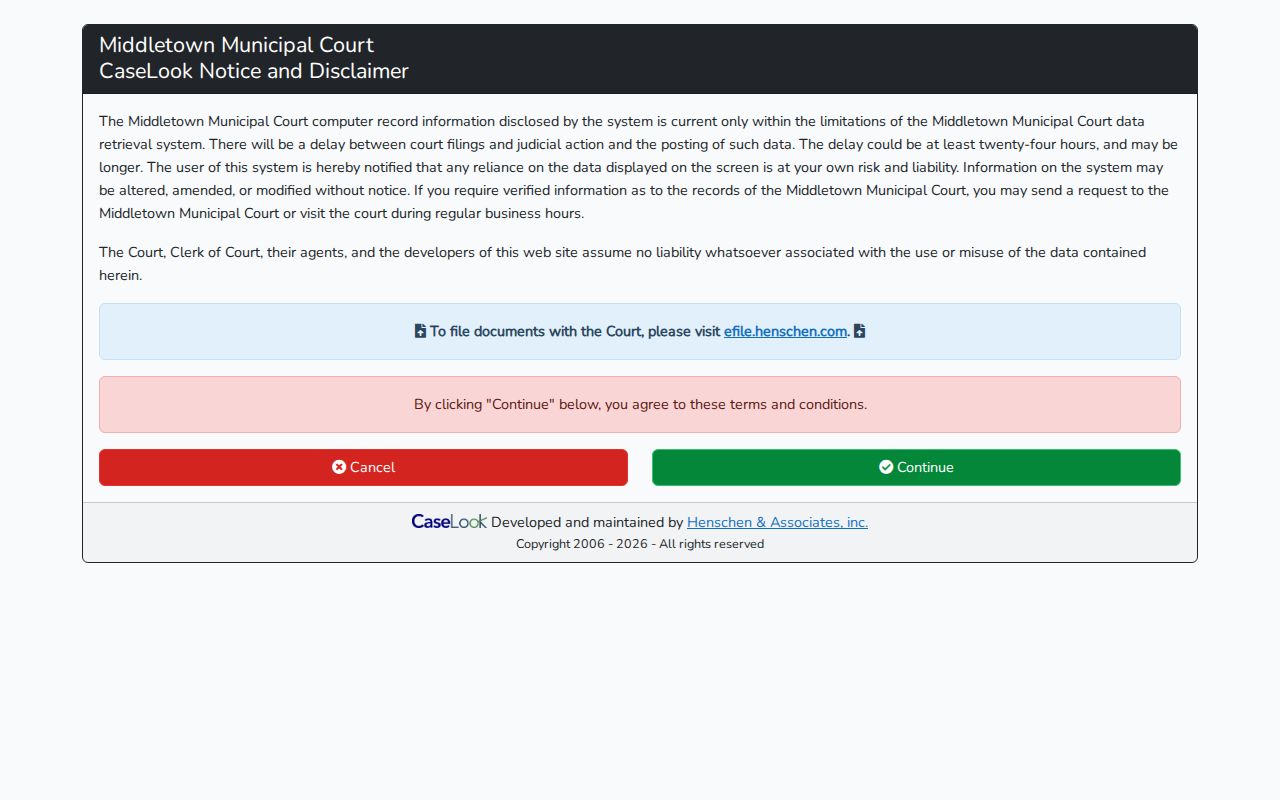
The Middletown form supports a narrow docket search without borrowing labels from a different local court.
The Middletown Municipal Court
Middletown Municipal Court handles Civil, Criminal, Probation, Small Claims, and Traffic work. It runs as a distinct city docket office. The court sits at One Donham Plaza, Middletown, Ohio 45042-1932. Call 513-425-7802 for administration. Call 513-425-7811 for criminal and traffic. For civil and small claims, use 513-425-7816. Those separate lines help a Middletown reader reach the right local office rather than a general county desk.
CaseLook is the starting route for a local Municipal Court case. Felony matters move beyond the municipal preliminary stage to Butler County Common Pleas. A final municipal-court order can go to the Twelfth District Court of Appeals of Ohio when an appeal is available. The city court record and any later county record stay separate dockets.
Middletown's official court contact page lists the court's local divisions.
When a docket entry does not answer a local court question, call. The Middletown contact information provides a direct route to the court.
Middletown Court Docket Type Codes
CaseLook's checkboxes mark the Middletown case types. Traffic uses TRC and TRD. Criminal uses CRA and CRB. Civil covers CVE, CVF, CVG, CVH, and CVT. Small Claims uses CVI. Parking uses PRK. These portal labels help filter the local docket. They never replace the caption, the charge, or the actual court record.
- TRC / TRD
- Middletown CaseLook traffic categories.
- CRA / CRB
- Middletown CaseLook criminal categories.
- CVI
- The Middletown small-claims case-type category.
- PRK
- The Middletown parking case-type category.
A Middletown category filter only narrows results after you pick the right court. It cannot turn a Butler County Common Pleas or Area Court case into a Middletown Municipal record.
Middletown Court Dates and Settings
Middletown offers both a month-calendar route. It also offers a calendar-schedule route. The schedule view lets you set beginning and ending dates, attorney, and official filters. Its calendar entries organize hearings by time, case, party, description, and status. Before any Middletown appearance, verify the case's newest entry. A direct call to the court remains the best check.
Use the local court calendar to spot a possible session. Then open the individual Middletown docket. A hearing may have moved, or a later order may exist. Court schedules change. The attorney and official selections on the calendar are scheduling filters. They do not promise who represents a party or how a judge is finally assigned.
| Date | The Middletown hearing date shown on the local calendar or docket. |
|---|---|
| Time | The listed time for a Middletown court event. |
| Case | The local case number and case type when displayed. |
| Official | The judge or official filter when the schedule identifies one. |
| Status | The event status or description in the Middletown schedule display. |
Middletown Court Calendar Filters
Middletown's month calendar offers a full year of views. The month choices run January through December. The year selector spans 2006 through 2046. Its navigation splits Record Search, Court Calendar, and Court Schedule into separate views. Those options let you scan for a court-day window. A general monthly view cannot resolve a party-specific date.
A Court Calendar is a planning aid. When a Middletown hearing changes, search the record. Apply the schedule filters. Then call the right court line. The notice and the latest docket entry control. They decide whether you must appear at a new time or take some other action.
Middletown's calendar filter interface shows the local month-and-year options in use.
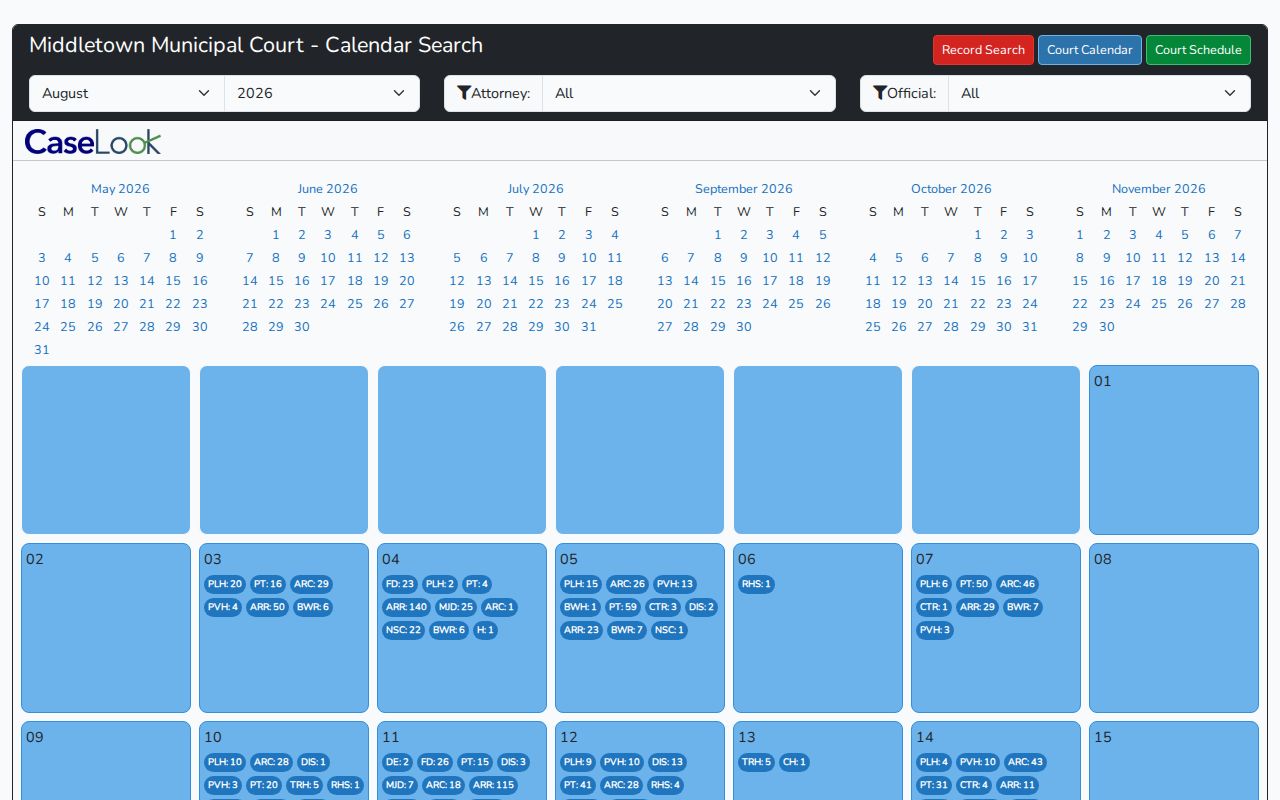
That calendar view is a scheduling route, not a substitute for checking the latest case entry. Middletown's date-range hearing schedule provides a second official calendar channel.
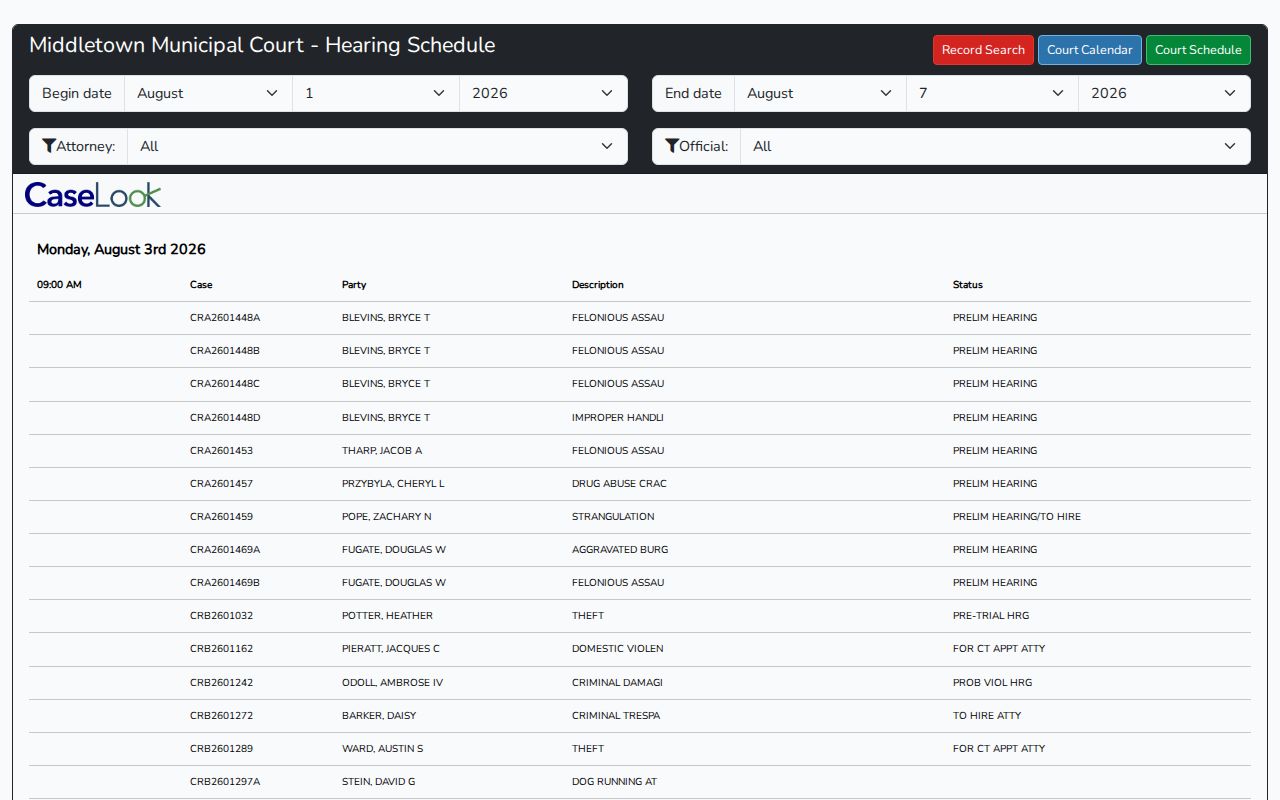
The Middletown schedule filters narrow a hearing window, while the docket confirms each individual setting.
Middletown Traffic Tickets
Middletown traffic cases fall under one of the local CaseLook categories. Payable offenses are listed in the court's Traffic Violations Bureau information. You can handle them online through the court website. Or pay by phone at 1-866-895-0198. Prefer paying in person? The Municipal Court cashier window takes payments on weekdays. The police department handles them during evenings and weekends. Keep in mind these routes cover payable matters only, not every Middletown citation.
The payment schedule lists a $135 basic court-cost figure. Waiver amounts vary by category. Check your citation against the listed category and current schedule to find the right amount. The docket, the ticket, and any court notice control what happens next. They decide whether you can simply pay. They also decide if you must appear or need to contest the case through formal court process.
Middletown Court Payment and Docket Process
Check your Middletown CaseLook result for an Add Payment action and a Payment List. Eligible cases show both. Ineligible ones do not. Missing that button is not a sign to hunt through a different database. It means you should call the Middletown criminal and traffic line. Read the citation closely. Ask the court what it requires.
Keep in mind that a payment is a guilty plea under Middletown's payment-return policy. Undoing it takes formal court process or a motion. Paying is not the same as running a docket search. So do not treat the portal as a fix for every traffic case. If you want a hearing, follow the Middletown notice and the court's procedure instead.
Note: Middletown’s Add Payment control appears only for eligible results, so the court notice and local traffic line remain important when no payment action appears.
Where Middletown Cases End Up
A case caption naming the city court puts the matter in Middletown Municipal's record system at the start. The caption fixes where the record begins. But felony charges do not stay there past the preliminary stage. They move on to the Butler County Court of Common Pleas. Even when the events happened in Middletown, a county or Common Pleas case exists apart from the city. It keeps its own separate docket record.
Docket flow: Middletown Municipal Court › Butler County Courts › Court of Common Pleas
Appeals from a final order go to the Twelfth District Court of Appeals of Ohio. The Butler County Clerk of Courts holds the Common Pleas and Twelfth District records, while Middletown Municipal Court keeps its original docket in house. Read the caption first. It tells you which office to contact.
Middletown Court Records and Common Pleas
Middletown Municipal CaseLook and Butler Clerk Services do different jobs. Do not swap one for the other. The city side covers traffic, criminal, civil, small-claims, parking, and related local records. Butler Clerk Services is the official online route to Common Pleas General, Domestic Relations, and Twelfth District material. The Clerk's electronic case files begin in 2000. Ohio offers no single statewide trial-docket portal.
One name can surface in several court systems. That does not make every case searchable in the city portal. Start with the court named on the paper in front of you. A Common Pleas case calls for the county clerk's route. A Middletown Municipal docket calls for local CaseLook. It may also call for a copy request through the Middletown court.
Public Access to Middletown Court Records
Ohio's court-record rules govern what the public may see in a Middletown docket. Lawful limits can apply. Under Middletown local rules, the clerk keeps a general index. The docket and other public records sit alongside it. Criminal and traffic entries start with the parties. They also list counsel names and addresses. Then comes the state or city charge information. Each paper is entered in chronological order, with its nature identified. Even so, a public record may carry redactions. It can also be withheld entirely when a lawful restriction applies.
Key Rules:
Ohio Superintendence Rule 44 defines court records and the public-access terms used by Ohio courts.
Ohio Superintendence Rule 45 requires access or a prompt response to a court-record request, subject to restrictions.
Ohio Revised Code 149.43 is the general public-record inspection and copy statute for public offices.
Middletown Court Docket Entries in Order
Read a Middletown docket as a timeline. Each line marks one event. That event might be a filing, a notice, a setting, a motion, an order, a payment-related action, or a disposition where the record is public. The court's local rules spell out this anatomy. They call for papers to be entered in order. Each document's nature must be identified too. Order matters. An older hearing notice can be superseded by a later court action. So the last entry often tells you where things truly stand.
For an official Middletown copy, have the case number ready. Bring the exact document name if you can. The online docket may help you spot the item. The court sets the official copy procedure, though. Sealed, expunged, juvenile, and protected information stays outside routine public access. Before relying on any record to resolve a Middletown court matter, a clerk confirmation is the practical last step.