
How to Search the Oxford Court Docket
Oxford has no separate municipal court. Cases from the city run through Butler County Area I Court, and the online docket search is Butler County CaseLook. Check the paperwork first. An Oxford address or a call from city police does not tell you the case sits in Area I. Go by whichever court the document names. When it names Area I, pick that court in CaseLook instead of searching all three Area Courts together.
CaseLook asks you to accept its terms before you can search. The official notice warns that docket entries can lag a filing or a court action by at least 24 hours, sometimes longer. It also warns that information can change without notice. So treat an online Oxford court docket as a way to locate a record. It does not confirm a hearing. For a verified copy or a current court date, contact Area I Court. A Common Pleas case goes through Butler Clerk Services instead.
- Read the Oxford citation, complaint, or notice for the named court.
- Open CaseLook and accept the official access notice.
- Select Area I for an Oxford case assigned to that county court.
- Search by the available name, case number, file date, or ticket number.
- Check the latest Area I entry, then call the court if the Oxford hearing or record requires confirmation.
Oxford Court Dockets at Area I
CaseLook serves all three county courts, Butler County Area I, II, and III. It is not an Oxford city database. For an Oxford matter in Area I, the live search form offers routes by Name / Company, Case No., File Date, and Ticket No. It adds checkboxes for each of the three Area Courts and a choice of how many results to show. The calendar side of the docket search adds beginning and ending date controls. It carries the same court selection. These fields describe the official county-court form itself. They are not a promise that every item is public or that you must fill in each field.
| Area I search field | Type | Oxford routing note |
|---|---|---|
| Name / Company | Text | Party or company route for an Area I case. |
| Case No. | Text | Use the full Area I case number if it is known. |
| File Date | Date | Month/day/year date control. |
| Ticket No. | Text | Area I citation lookup route. |
| Area I | Checkbox | Select the court assigned to Oxford. |
| Results per page | Selector | 25, 50, 100, or 250 results. |
Area I’s jurisdiction page identifies the county-court route that serves Oxford.
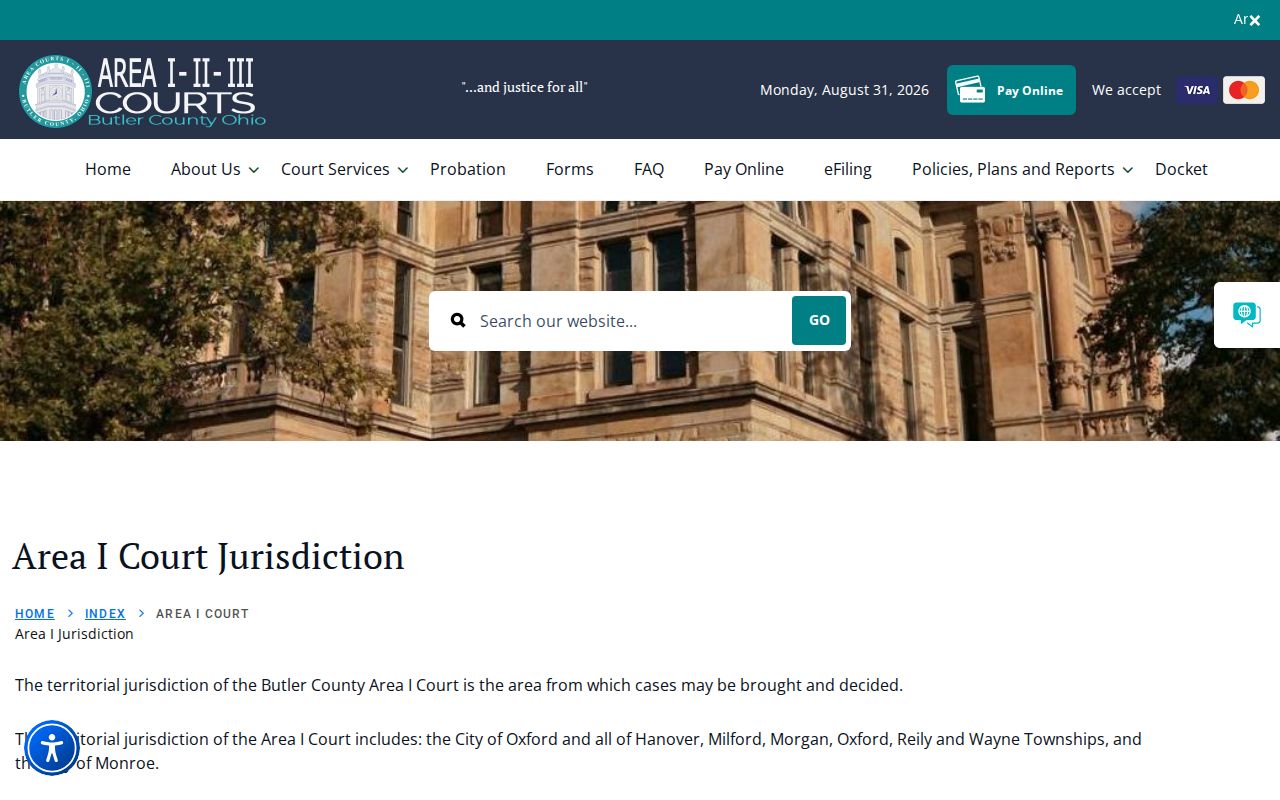
The Area I page lets an Oxford reader pick a precise court without pretending a separate Oxford Municipal Court exists.
The Oxford Area I Court Route
The court route for Oxford is Butler County Area I Court. There is no standalone Oxford Municipal Court. The Area I jurisdiction page lists the City of Oxford within Area I, and the docket there covers the county-court-level mix: traffic, misdemeanors, OVI, domestic-violence matters, and civil cases up to the $15,000 jurisdictional limit. A document's named court still controls. But this assignment tells you which court checkbox, counter, and phone number to use when your Oxford matter belongs to Area I.
That counter sits in Hamilton, not Oxford. Area I is located at 345 High Street, second floor, Hamilton, Ohio 45011, open weekdays from 8:30 a.m. to 4:30 p.m., with phone 513-523-4748. For confirming a record or a court date, use this current location rather than an old city reference.
Why Oxford Has No Municipal Court Docket
Don't let the city name fool you. Oxford has no municipal court of its own. So a traffic ticket, misdemeanor, or civil filing tied to an Oxford address lands on a county-court docket at Area I. That means Hamilton Municipal Court, Fairfield Municipal Court, and Middletown Municipal Court are all wrong stops for these cases. Any imagined Oxford city portal is wrong too. The court named on your notice is the one that matters. For Oxford that is nearly always Area I in Hamilton.
What about the old courthouse at 118 West High Street? That address is a piece of local history, not a working court counter. The City itself sends court questions to Area One by phone. The Oxford city location page still carries the historic courthouse context alongside that guidance. Trust the notice, then the current Area I route, whenever older directions point somewhere else.
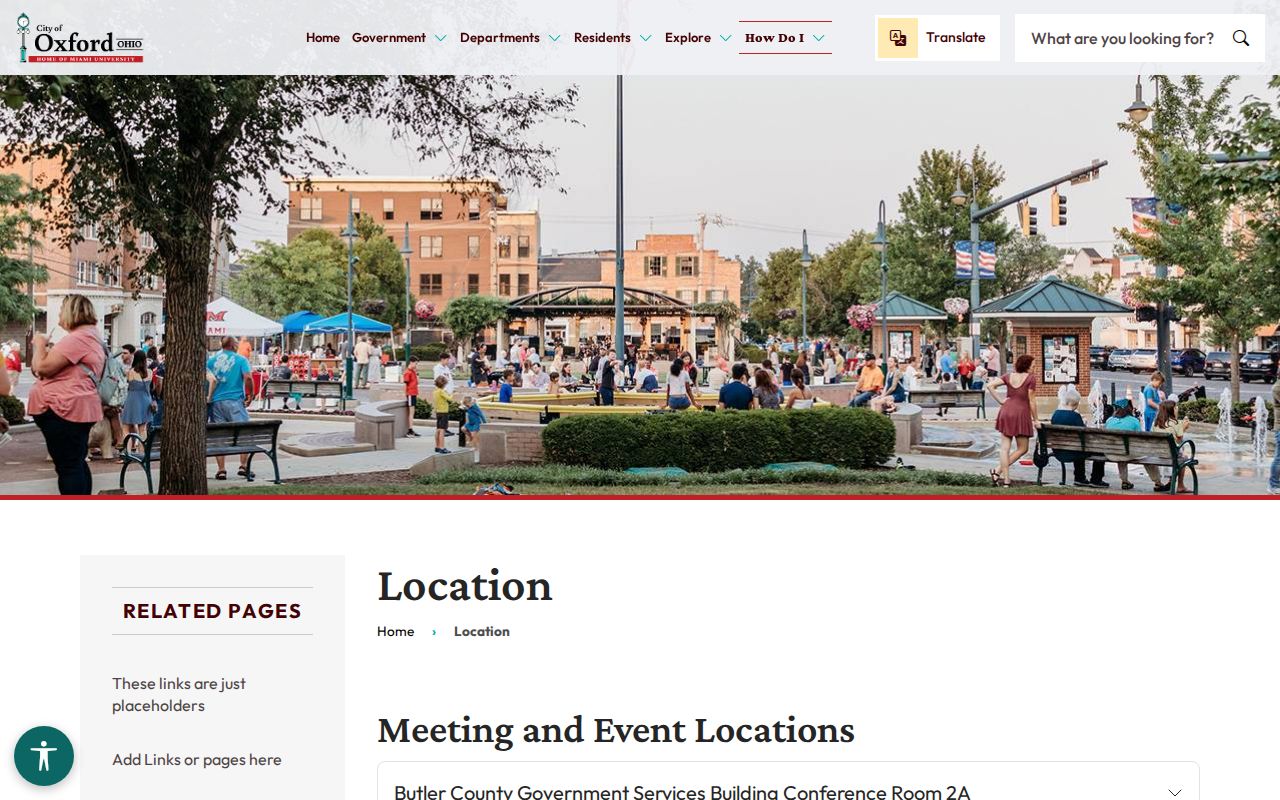
One caveat worth repeating: the historic Oxford location cannot stand in for the Area I court counter in Hamilton, no matter what an old address list suggests.
Oxford Court Dates and Settings
Finding an Oxford court date comes down to Area I's calendar and docket tools on CaseLook. The calendar search lets you set a beginning and ending date. It also lets you pick Area I, II, or III. Choose Area I when that is the court on your notice. Then check the calendar window against the most recent docket entry. Remember that a published schedule is a standing pattern. It is not a promise that your Oxford case will be called at that exact time.
Need something confirmed fast? Call the Area I court at 513-523-4748. CaseLook can lag by 24 hours or more. A brand-new filing, reset, or continuance may not show up right away. The court notice plus a word from the clerk remain the best checks before any Area I appearance.
| Date | The Oxford Area I setting date shown on the notice or latest docket entry. |
|---|---|
| Time | The individual court time, not merely a standing weekday session. |
| Location | Area I’s current Hamilton court location when the setting identifies it. |
| Court | The Area I designation selected in CaseLook for the Oxford matter. |
| Setting Type | A criminal, traffic, civil, small-claims, pretrial, or other listed event. |
Oxford Area I Court Calendar
Area I posts its session schedule. Oxford readers can use it as a rough calendar map. Criminal and traffic court runs Thursday from 10 a.m. to noon. Reviews and orders to appear come at 11:30 a.m. Prisoner arraignments start about 1 p.m. Preliminary hearings, bench trials, and reviews follow those blocks. On the first and second Thursdays, a magistrate handles a domestic-violence docket at 8 a.m. Treat all of it as an operating window. It is not a call time for your case.
Civil work sits on Wednesday. Small claims and hearings are set at 1:15 p.m. Civil pretrials run from 12:50 to 1:15 p.m. All three Area Courts also hold video initial appearances on weekdays in Hamilton Courtroom B at 10 a.m. Even so, a case can break from the routine pattern. Check your case notice and the current docket before you rely on the schedule.
Note: Oxford Area I sessions describe standing court operations, but the latest docket entry and court notice are needed to confirm an individual hearing.
Oxford Traffic Tickets
Most traffic tickets written in Oxford belong to Butler County Area I. Check your paper citation first. If it names Area I, look the case up in CaseLook. That tool lets you search by ticket number. Eligible citations can also be handled through the official Area Courts payment gateway. Paying a ticket counts as a guilty plea, so read the citation before you act. The court sets the next step. The appearance instruction and the due date on the ticket decide whether online payment works. A court date may be required instead.
Area I traffic court cases are not the same as Oxford city parking tickets. Don't try to fight an Area I ticket through a city parking appeal. A parking record never becomes a court docket entry. An Area I result never lands in the city's parking files. Each track has its own office, its own deadlines, and its own rules.
Oxford Parking Records and Court Tickets
Parking tickets in Oxford run through a separate city process, not the courts. The City's parking citation page walks you through its payment route. It also gives you 10 days to appeal. Oxford Police, at 101 East High Street or 513-524-5240, is the city contact for questions. Keep this straight. A parking ticket does not open an Area I court docket just because it happened in Oxford. Paying one is not a court matter at all.
A traffic citation is different. When the paper names Butler County Area I, the county court governs the case. Its CaseLook search, payment options, and court dates control what happens next. So read the title on your ticket before you search anywhere. Contest a city parking ticket through Oxford's appeal procedure. Answer an Area I notice through the county court.
The City of Oxford lays out its parking citation payment and appeal route on its official page. That page spells out where to pay. It also explains how the 10-day appeal window works.
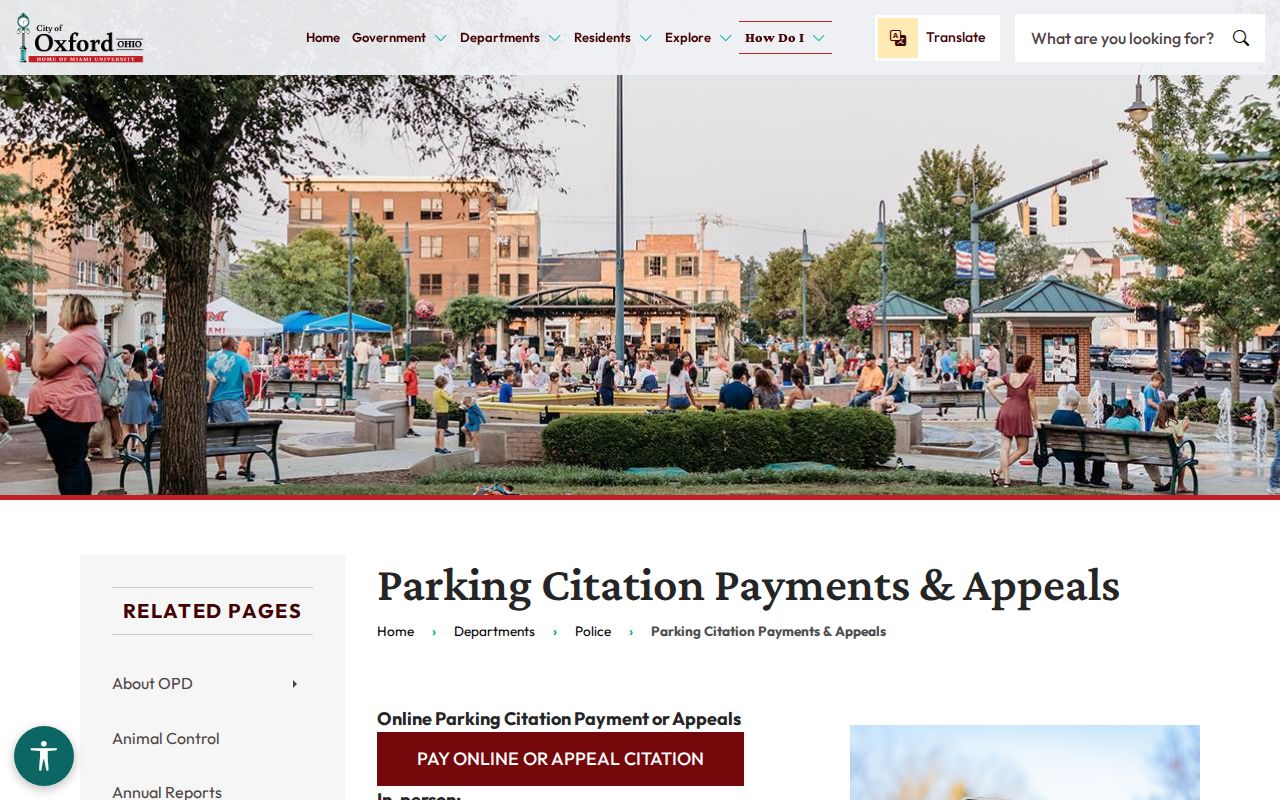
That Oxford parking material covers the city's administrative process. It is not an Area I traffic court record of any kind.
Where Oxford Cases End Up
Oxford court cases assigned to Area I begin on the county-court docket. That is your starting point. A case needing General Division jurisdiction moves up to the Butler County Court of Common Pleas. From there, a final matter can travel the Ohio appeal route. That route leads to the Twelfth District Court of Appeals of Ohio. An Oxford address does not blend these files into one tidy online record. Each court keeps its own.
Docket flow: Oxford › Butler County Area I Court › Court of Common Pleas
Start with the forum the case actually sits in. Oxford has no Municipal Court docket; the city runs a Mayor's Court, but the cases people search for usually live elsewhere. A case in Common Pleas belongs to Butler County, and Butler Clerk Services handles that record. A case in Area I is different. CaseLook and the Area I clerk serve that docket.
Oxford Court Civil Filing and Docket Access
Civil matters out of Oxford go through Area I, which follows the county court's process. The Area Courts offer civil e-filing for new filings through their eFile service. That channel is only for submitting papers. It starts a case or adds to one. It is not how you view the record. For a public docket search, CaseLook remains the official route. Procedural questions about a particular Oxford Area I filing should go straight to the court. The clerk can help too.
The Area Courts civil e-filing information page spells out the filing route. It covers any Oxford Area I civil matter.
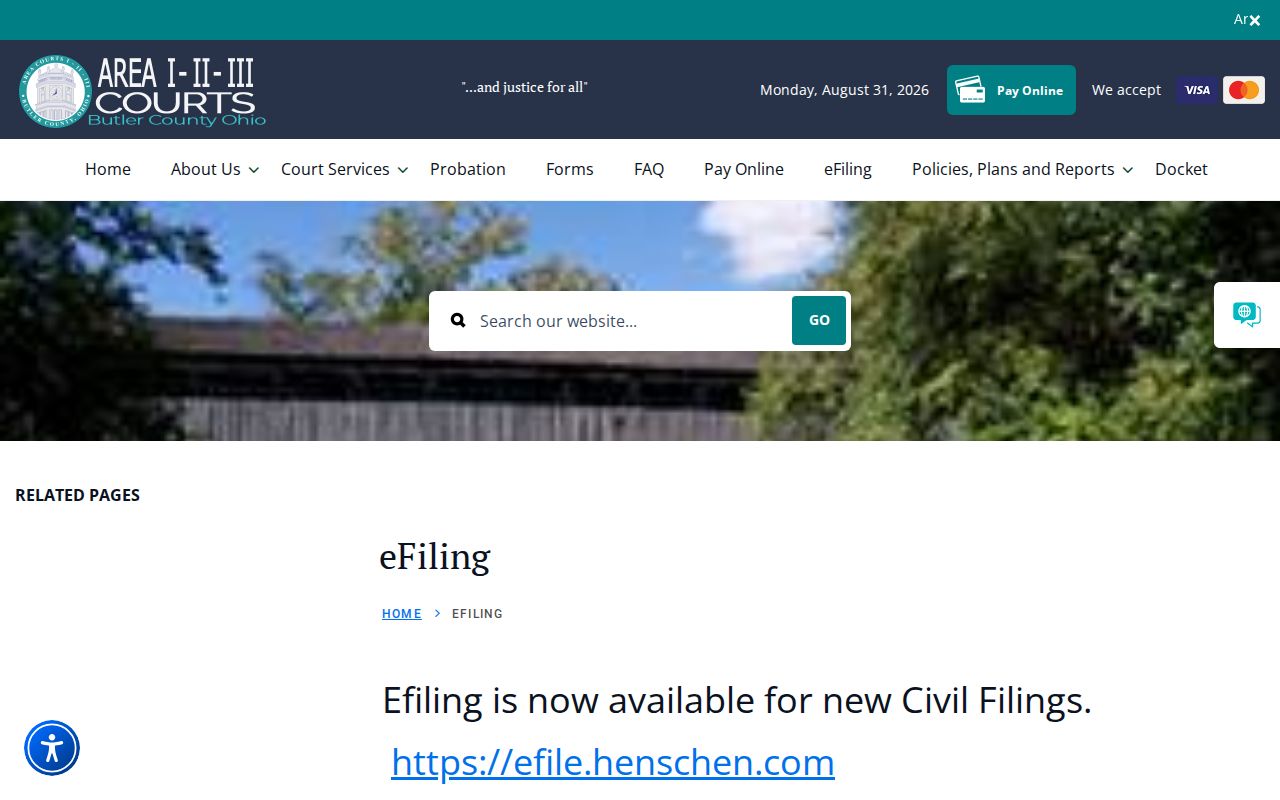
Remember that e-filing is just a submission channel for Area I. It does not replace the Oxford court docket search.
Public Access to Oxford Court Records
Ohio's court-record access rules govern public access to Oxford Area I records. CaseLook entries can lag. So a current confirmation from the court may still be needed even when an entry is public. The Area Courts tell visitors who need verified details to request them from the court. You can also stop in during regular hours. Sealed or expunged matters, juvenile records, and protected identifiers do not show up as routine public results.
Key Rules:
Ohio Superintendence Rule 44 defines the court-record access framework that applies to Oxford Area I records.
Ohio Superintendence Rule 45 governs direct access and prompt responses to court-record requests, subject to restrictions.
Ohio Revised Code 149.43 provides the general public-record inspection and copy rule for public offices.
Oxford Court Records at Area I
Area I holds the docket for Oxford cases. Its clerk is the fastest way to confirm a court record in person. The counter sits at 345 High Street, second floor, Hamilton, Ohio 45011. Call 513-523-4748 if a trip is not convenient. When you ask for a copy, have the full case number ready. Name the exact document you need. The online docket helps you spot the case. But only the clerk can hand you a verified court record and walk you through the current copy procedure.
One policy worth knowing. Most Area I misdemeanor and OVI cases get a first continuance by phone for one week. Felony matters are different. Those require a court appearance. Treat the one-week rule as a general practice rather than a promise. Confirm it with Area I before you count on it. If CaseLook shows nothing, that gap is not proof the Oxford court record is missing. Check the posting delay first. Make sure you picked the right court. Then ask at the counter before drawing conclusions.